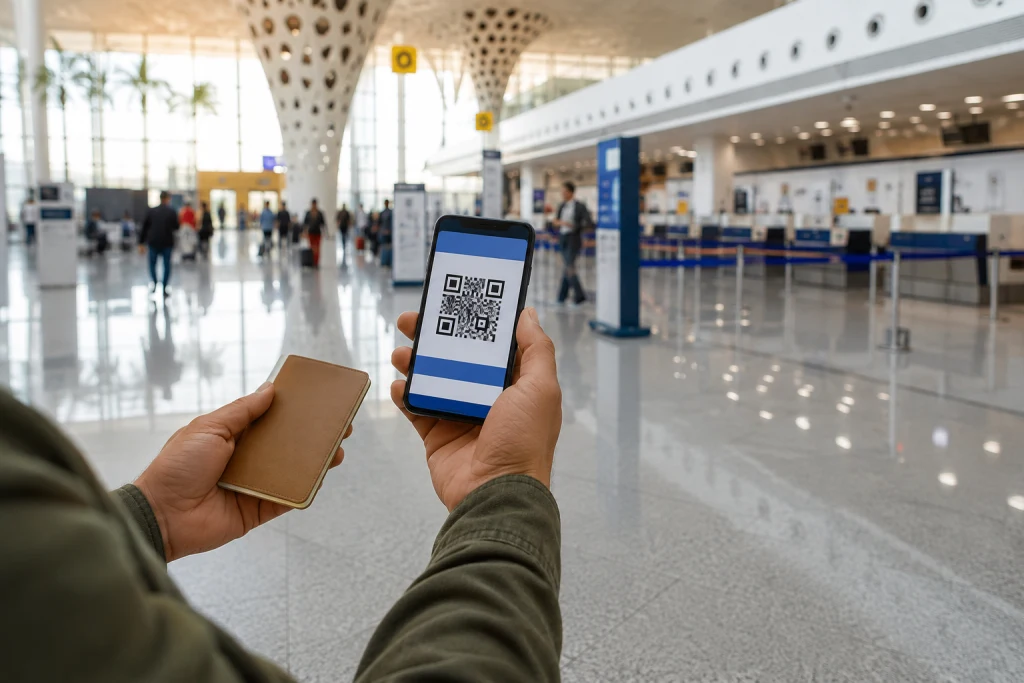
Airports of Morocco announced on 23 July 2026 that it was progressively extending fully digital boarding passes. After online check-in with a compatible airline, a traveller can receive a secure QR code on a phone and present it at the relevant checkpoints.
The announcement does not mean that every flight, airline and passenger situation already supports a paperless journey. The release says deployment will be progressive among airlines that meet the technical, operational and regulatory requirements.
Check the airline and flight first
The first verification belongs with the airline operating the flight. Its app or website needs to confirm that online check-in is open and that a mobile pass is accepted for the itinerary.
A pass displayed in an old email or screenshot does not prove that check-in is complete. Name, flight number, date, departure airport and status must match the actual journey. With a codeshare, pay particular attention to the operating carrier.
Understand what the QR code replaces
The QR code replaces a printed boarding pass within a compatible process. It does not replace a passport, identity card, visa, residence permit or another document required for the destination and the traveller’s circumstances.
The ONDA passenger page reminds travellers to verify all necessary documents before going to the airport. The airline and competent authorities remain the sources for baggage, identity and border-entry requirements.
Do not confuse check-in with document control
Online check-in generally produces a boarding pass when a file is complete. Some situations still require a desk check: travel documents, visa, special baggage, a child, assistance, an animal or an airline-specific rule.
The Airports of Morocco release explains that airlines perform documentary checks in advance under applicable requirements. If the app instructs the passenger to visit a counter, possession of a QR code does not cancel that instruction.
Treat the phone as a travel document
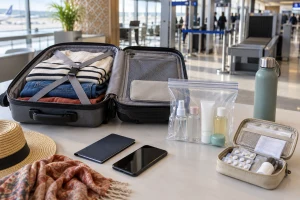
The device should be charged and easy to reach. An authorised power bank carried correctly can reduce the risk of an empty battery, but battery transport rules need to be checked with the airline.
Saving the pass to the offered digital wallet or official app can avoid dependence on a mobile connection at the last moment. A screenshot may be a useful fallback when the airline permits it, but it cannot replace a dynamic version if the gate or status changes.
Keep a proportionate fallback
A phone can fall, discharge, lock or lose connectivity. Keep the booking reference separately and know how to retrieve the pass in the application. When travelling as a group, each pass should be identifiable without unnecessarily exposing everyone’s data.
Where printing is possible and useful, a paper copy remains a fallback rather than a general ONDA requirement. If the process ultimately sends a traveller to a counter, follow staff and airline instructions.
Protect the information on screen
A boarding pass contains journey information and a code intended for control systems. Do not publish its image on social media or send it to a stranger offering help.
Screen brightness can be raised for scanning and lowered afterwards. Keep the phone locked outside the checkpoint. Someone assisting with the device should not gain lasting access to email, payment methods or the airline account.
Arrival time remains essential
A smoother digital journey does not change check-in, bag-drop or boarding deadlines. ONDA recommends arriving sufficiently early and says check-in generally closes 60 minutes before departure, while directing passengers to their airline’s conditions.
That general reference is not a guarantee for every flight. The time in the booking, airline app and operational messages for the day take priority. A security queue or document check does not automatically suspend a deadline.
What to do if the scan fails
First open the original pass, raise brightness and clean the screen. If the code remains unreadable, airline or airport staff can direct the traveller. Generating a new QR code with an unofficial tool would be unsafe and useless.
A rejected pass may indicate a reading problem, a change to the booking or a required check. Only the competent operator can identify the cause. Allowing time is safer than repeatedly trying the same gate in a rush.
MOP checklist before the airport
- Confirm that the airline and flight accept a mobile pass.
- Check name, date, flight number and departure airport.
- Keep the required passport, visa or identity document independently of the QR code.
- Charge the phone and save the pass for offline access if permitted.
- Keep the booking reference separately.
- Never publish a readable boarding pass.
- Respect the deadlines communicated by the airline.
Sources consulted
- Airports of Morocco, 23 July 2026 press release accessed 4 September 2026: mobile boarding pass rollout
- National Airports Office, passenger information accessed 4 September 2026: travel documents
- National Airports Office, press-release register accessed 4 September 2026: press releases